
A brief expressed as constraints
Record safe areas, required assets, and output dimensions in a reusable recipe. Make the campaign requirements visible during production.
MRGI PIXEL / PHOTO & IMAGE EDITING
COMING SOONCrop and retouch photos, combine layers and masks, and adjust color and lighting. Prepare consistent image variations for campaigns and publishing.
For brand studios and campaign teams producing repeatable image collections.
Try the interactive demo Browse all 15 appsMEET THE WORKSPACE
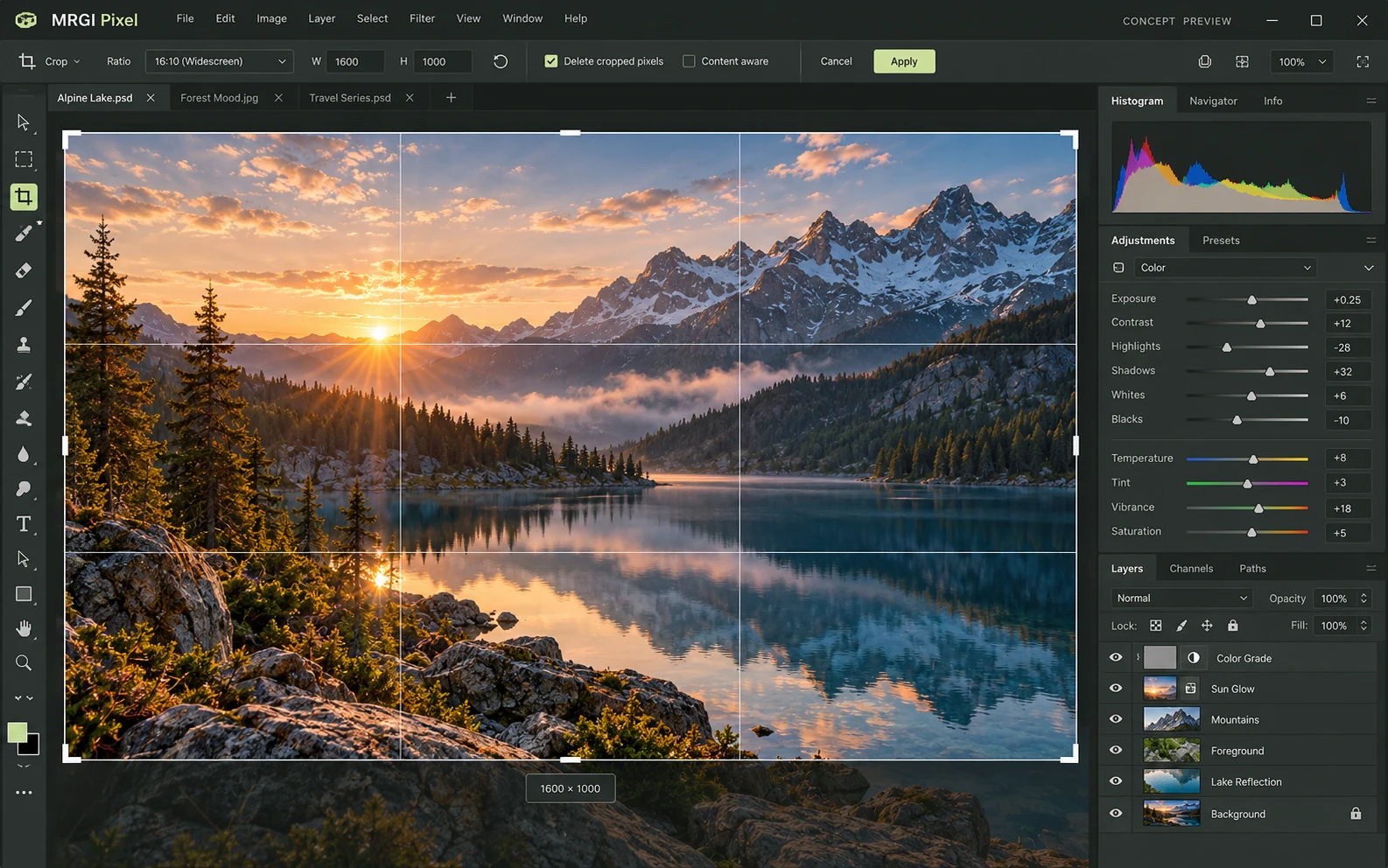
A layered image editor with a large photo canvas, crop and selection tools, color controls, and editable image layers.
Proposed design with synthetic content. This is not a released application; features and appearance may change.
EXPLORE THE IDEA / HANDS ON
Switch output ratios and adjust the framing of an original procedural illustration. See how a single source becomes multiple placements.
Switch output ratios and adjust the framing of an original procedural illustration. See how a single source becomes multiple placements.
Synthetic inputs. Local computation. No uploads.This canvas demo draws original geometric artwork. It does not run the PhotoCraft image engine or process uploaded photos.
Read the full Pixel workflow guidePROPOSED AUTOMATION RECIPE
Use approved Line brand assets and Lens photos, then deliver reviewed variations to Layout.
Build the source image with approved brand assets.
Apply the same constrained recipe across formats.
Review visual exceptions before publishing the batch.
Original interface mockup with synthetic content. This is a design concept, not a screenshot of a released application. Switch views to explore the proposed workflow.
01 / THE WORK BEHIND THE WORK
A good campaign needs consistent output across many crops, formats, and placements. Pixel is being designed to connect image editing to repeatable recipes, so every variation can be reviewed against the same creative constraints.
The source foundation is imported. Constrained recipes, visual QA, and the redesigned creative interface are planned.
02 / THE PLANNED TOOLKIT
The intended Pixel experience.
Feature availability will be confirmed before release.
A CLOSER LOOK / FEATURE DESIGN
Explore the behavior behind the feature names: what the product would do, and what the reviewer would still need to decide.
Deliver a coherent set of landscape, portrait, and square assets from the same creative brief.
03 / THE MRGI DIRECTION
Three product-specific priorities shaping the proposed MRGI experience.
Record safe areas, required assets, and output dimensions in a reusable recipe. Make the campaign requirements visible during production.
Plan baseline comparisons and exception queues so reviewers can focus on variations that break the intended layout or treatment.
Carry source assets, recipe versions, and review context into a production manifest for later reproduction and rights review.
These are development goals, not claims of shipped features or market exclusivity. AI, local operation, and automation are shared foundations—not the entire product distinction.
04 / BETTER CONNECTED
Use approved Line brand assets and Lens photos, then deliver reviewed variations to Layout.
Build the source image with approved brand assets.
Apply the same constrained recipe across formats.
Review visual exceptions before publishing the batch.
Proposed assistance can suggest crops and flag visual inconsistencies. Image generation or external processing will require a chosen provider and explicit access.
Cross-app access is planned around selected resources and explicit consent. Ordinary local editing should not require uploading your files.
 CONCEPT PREVIEW
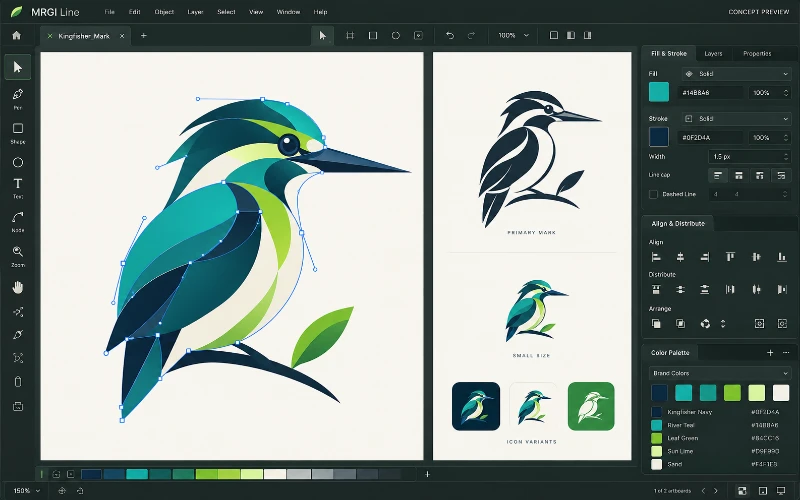
Vector illustration
Create logos, icons, and illustrations with paths, shapes, and editable curves. Organize brand colors and prepare assets for print and screen.
 CONCEPT PREVIEW
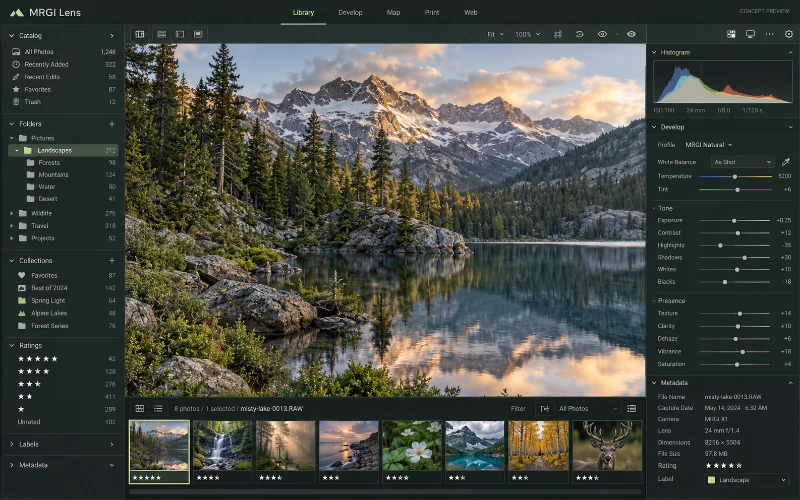
Photo library & RAW editing
Browse and organize photo collections, develop RAW images, and manage metadata. Review usage context before distributing selected images.
 CONCEPT PREVIEW
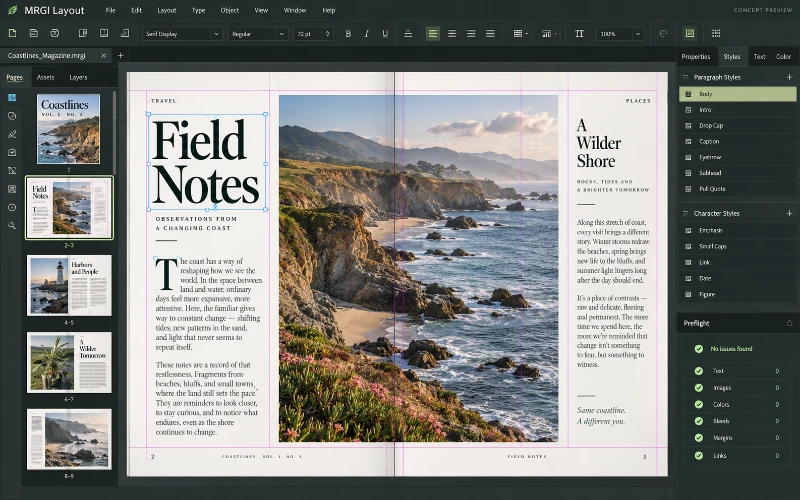
Page layout & publishing
Design magazines, brochures, catalogs, and other page-based documents. Arrange typography and images, then populate reusable layouts with approved data.
BUILT ON OPEN-SOURCE FOUNDATIONS
Layer, mask, adjustment, PSD/PSB, and batch action code exists in PhotoCraft. MRGI is proposing campaign acceptance and provenance workflows, not claiming batch editing itself is new. Read the source credits ↗
MRGI PIXEL / COMING SOON
Explore the suite today. Availability and pricing will follow.