
Usage context at selection time
Bring the recorded permission, purpose, and expiry context into the export decision instead of leaving it in a separate spreadsheet.
MRGI LENS / PHOTO LIBRARY & RAW EDITING
COMING SOONBrowse and organize photo collections, develop RAW images, and manage metadata. Review usage context before distributing selected images.
For photo teams and organizations managing image collections with rights and consent obligations.
Try the interactive demo Browse all 15 appsMEET THE WORKSPACE
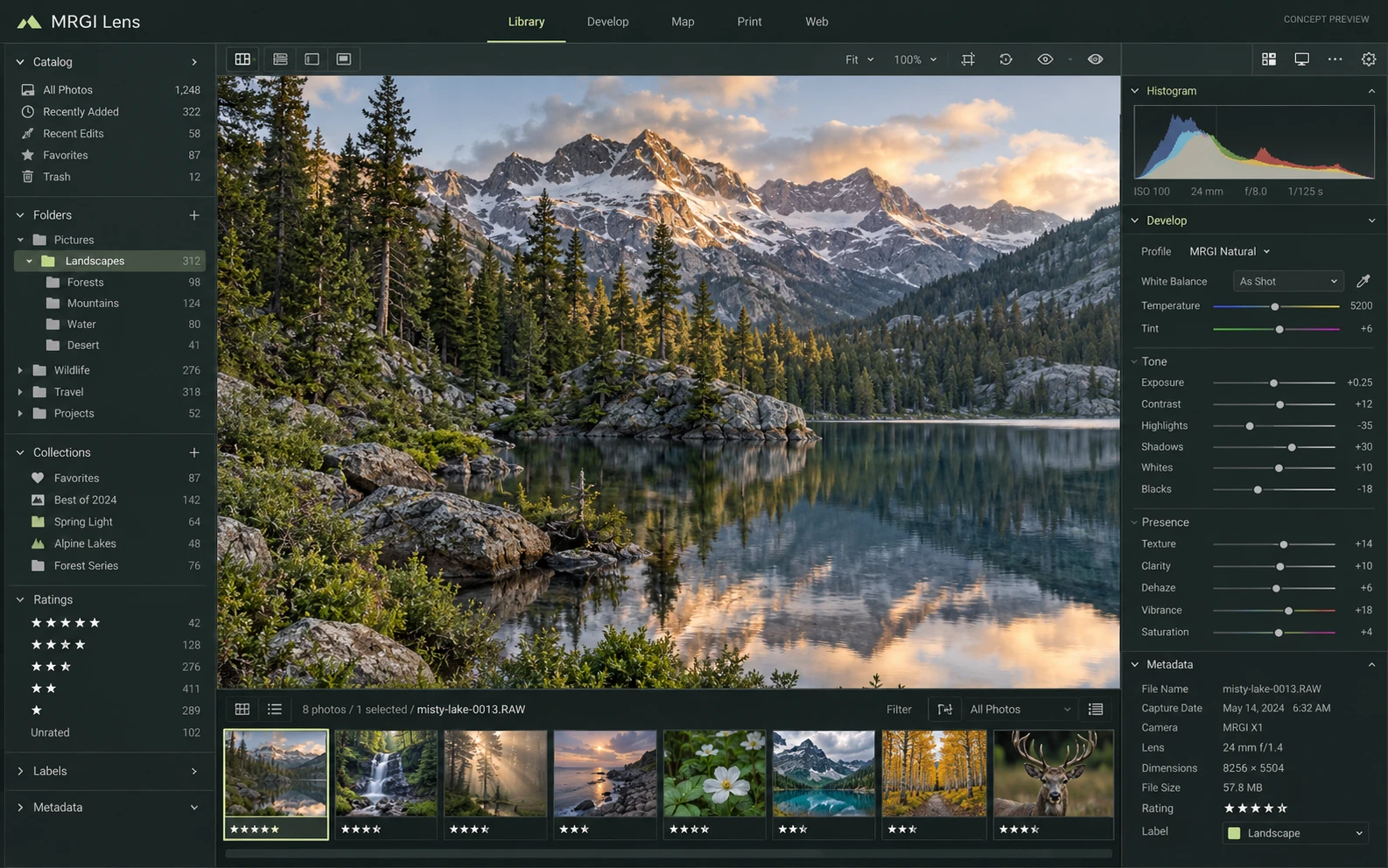
A photo library and development workspace with collections, a filmstrip, metadata, and controls for exposure, white balance, and tonal detail.
Proposed design with synthetic content. This is not a released application; features and appearance may change.
EXPLORE THE IDEA / HANDS ON
Filter fictional photo records by their recorded usage scope and see why some assets are held back.
Filter fictional photo records by their recorded usage scope and see why some assets are held back.
Synthetic inputs. Local computation. No uploads.This applies a small sample allowlist. It does not interpret licenses, establish valid consent, or verify rights ownership.
Read the full Lens workflow guidePROPOSED AUTOMATION RECIPE
Send reviewed photo selections to Pixel and Layout, and preserve supporting distribution records with Evidence.
Catalog photos and attach usage context.
Review assets for a specific distribution purpose.
Apply metadata rules and record the handoff.
Original interface mockup with synthetic content. This is a design concept, not a screenshot of a released application. Switch views to explore the proposed workflow.
01 / THE WORK BEHIND THE WORK
Finding the right photo is only half the job. Lens is being designed to keep usage context close to the image, helping a team review where an asset can go and which metadata should travel with it.
The source foundation is imported. Consent workflows and distribution rules are planned. Recorded permissions do not replace a legal review of rights.
02 / THE PLANNED TOOLKIT
The intended Lens experience.
Feature availability will be confirmed before release.
A CLOSER LOOK / FEATURE DESIGN
Explore the behavior behind the feature names: what the product would do, and what the reviewer would still need to decide.
Select images with recorded usage context appropriate to a defined distribution purpose.
03 / THE MRGI DIRECTION
Three product-specific priorities shaping the proposed MRGI experience.
Bring the recorded permission, purpose, and expiry context into the export decision instead of leaving it in a separate spreadsheet.
Plan rules that help reviewers include useful context while excluding metadata that should not be distributed.
Record the asset version, intended audience, and export settings, supporting later review when permissions or usage plans change.
These are development goals, not claims of shipped features or market exclusivity. AI, local operation, and automation are shared foundations—not the entire product distinction.
04 / BETTER CONNECTED
Send reviewed photo selections to Pixel and Layout, and preserve supporting distribution records with Evidence.
Catalog photos and attach usage context.
Review assets for a specific distribution purpose.
Apply metadata rules and record the handoff.
Planned local catalog assistance can suggest tags and groups. Sensitive analysis and external processing require clear permission and provider settings.
Cross-app access is planned around selected resources and explicit consent. Ordinary local editing should not require uploading your files.
 CONCEPT PREVIEW
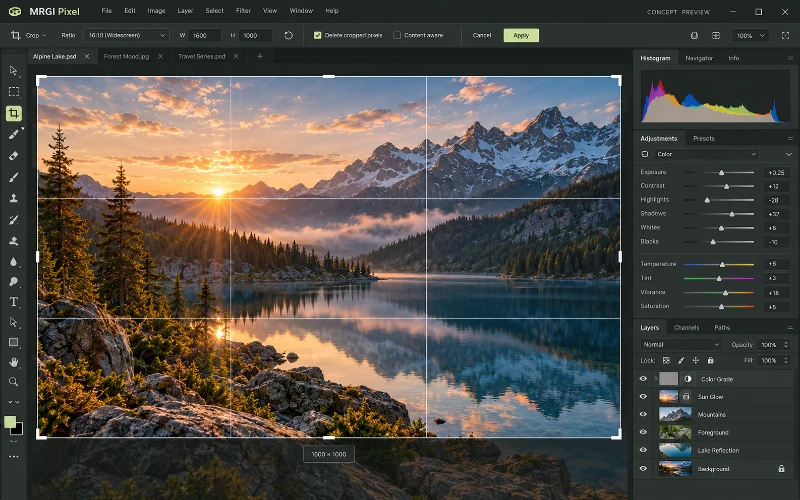
Photo & image editing
Crop and retouch photos, combine layers and masks, and adjust color and lighting. Prepare consistent image variations for campaigns and publishing.
 CONCEPT PREVIEW
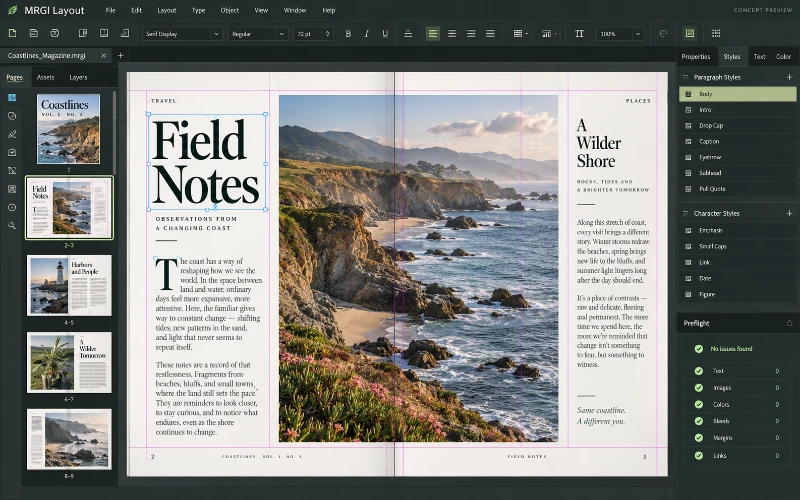
Page layout & publishing
Design magazines, brochures, catalogs, and other page-based documents. Arrange typography and images, then populate reusable layouts with approved data.
 CONCEPT PREVIEW
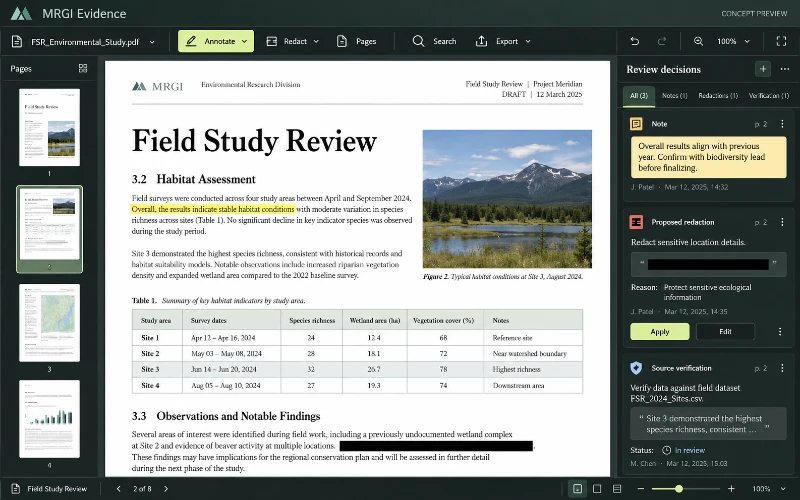
PDF editing & review
Read, annotate, organize, and redact PDFs. Assemble reviewed documents and their sources into a verifiable evidence packet.
BUILT ON OPEN-SOURCE FOUNDATIONS
Local catalogs, RAW development, metadata, faces, and batch export exist in LightCraft. Consent-aware distribution is the proposed MRGI focus. Read the source credits ↗
MRGI LENS / COMING SOON
Explore the suite today. Availability and pricing will follow.