
Data merge with an approval boundary
Select a reviewed snapshot for a publication run. A live data change should not silently alter hundreds of outputs.
MRGI LAYOUT / PAGE LAYOUT & PUBLISHING
COMING SOONDesign magazines, brochures, catalogs, and other page-based documents. Arrange typography and images, then populate reusable layouts with approved data.
For publishing, catalog, and communications teams working with changing datasets.
Try the interactive demo Browse all 15 appsMEET THE WORKSPACE
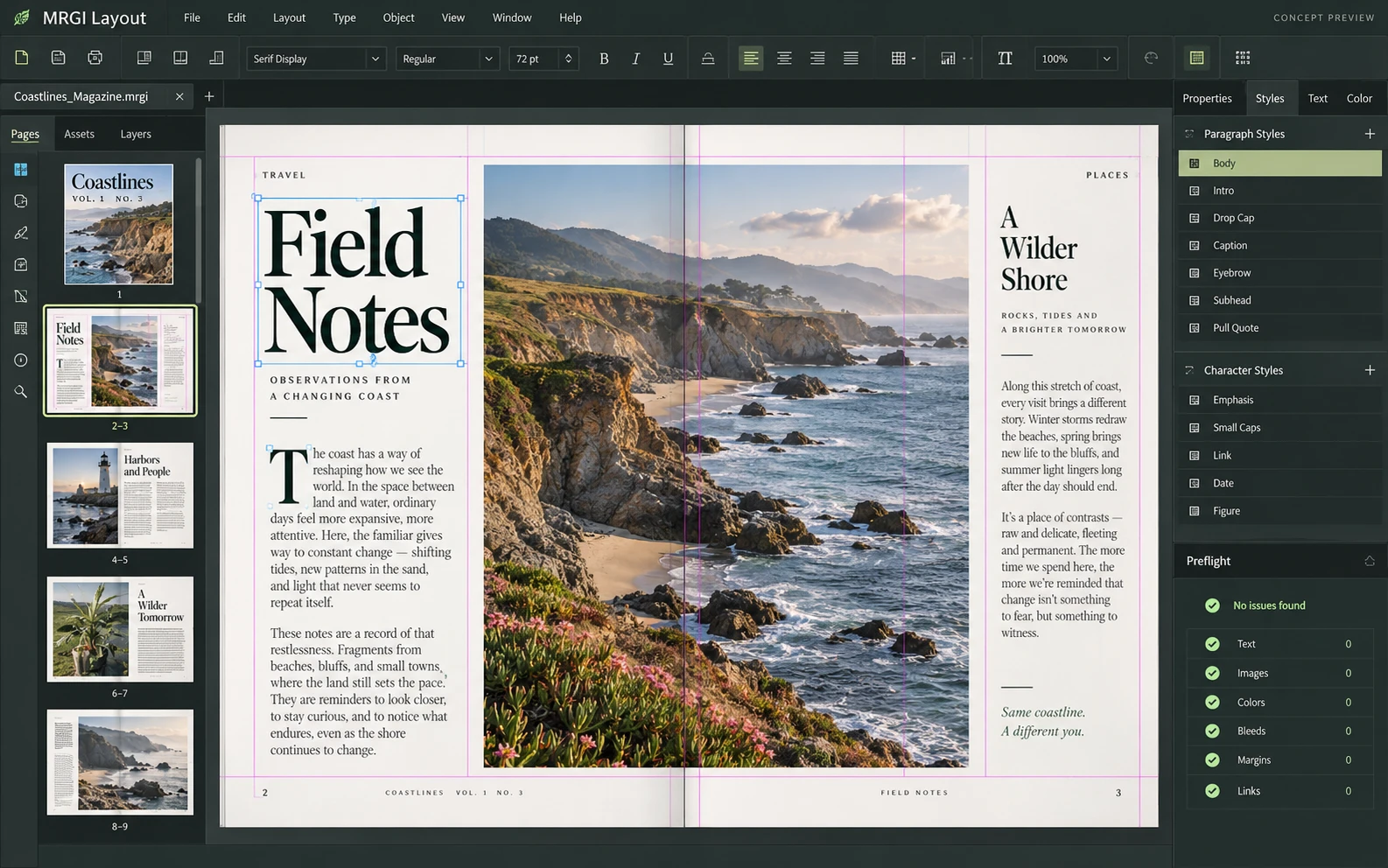
A desktop publishing workspace with facing pages, text frames, column guides, paragraph styles, and preflight checks.
Proposed design with synthetic content. This is not a released application; features and appearance may change.
EXPLORE THE IDEA / HANDS ON
Switch between sample publication records and see the generated card and required-field check change together.
Switch between sample publication records and see the generated card and required-field check change together.
Synthetic inputs. Local computation. No uploads.This is a browser template example using fictional records. It does not paginate or generate production PDFs.
Read the full Layout workflow guidePROPOSED AUTOMATION RECIPE
Combine Grid datasets, Line brand releases, and Pixel imagery in the same reviewed publishing recipe.
Create a reusable template with approved brand assets.
Select a reviewed Grid snapshot for the run.
Resolve preflight exceptions and approve the outputs.
Original interface mockup with synthetic content. This is a design concept, not a screenshot of a released application. Switch views to explore the proposed workflow.
01 / THE WORK BEHIND THE WORK
The risk in a large publication run is often the combination of the wrong data and the wrong template. Layout is being designed to make both versions explicit and collect the review evidence for each run.
The source foundation is imported. Governed batch publishing and the redesigned review experience are planned.
02 / THE PLANNED TOOLKIT
The intended Layout experience.
Feature availability will be confirmed before release.
A CLOSER LOOK / FEATURE DESIGN
Explore the behavior behind the feature names: what the product would do, and what the reviewer would still need to decide.
Produce consistent editions while catching missing content before distribution.
03 / THE MRGI DIRECTION
Three product-specific priorities shaping the proposed MRGI experience.
Select a reviewed snapshot for a publication run. A live data change should not silently alter hundreds of outputs.
Record which layout and brand package generated each document. Make later corrections and reruns easier to reason about.
Collect overflow, missing content, and preflight findings in a review queue so the team can approve the output deliberately.
These are development goals, not claims of shipped features or market exclusivity. AI, local operation, and automation are shared foundations—not the entire product distinction.
04 / BETTER CONNECTED
Combine Grid datasets, Line brand releases, and Pixel imagery in the same reviewed publishing recipe.
Create a reusable template with approved brand assets.
Select a reviewed Grid snapshot for the run.
Resolve preflight exceptions and approve the outputs.
Planned assistance can propose layout adjustments or highlight inconsistent content. It will not approve a publishing run on the team’s behalf.
Cross-app access is planned around selected resources and explicit consent. Ordinary local editing should not require uploading your files.
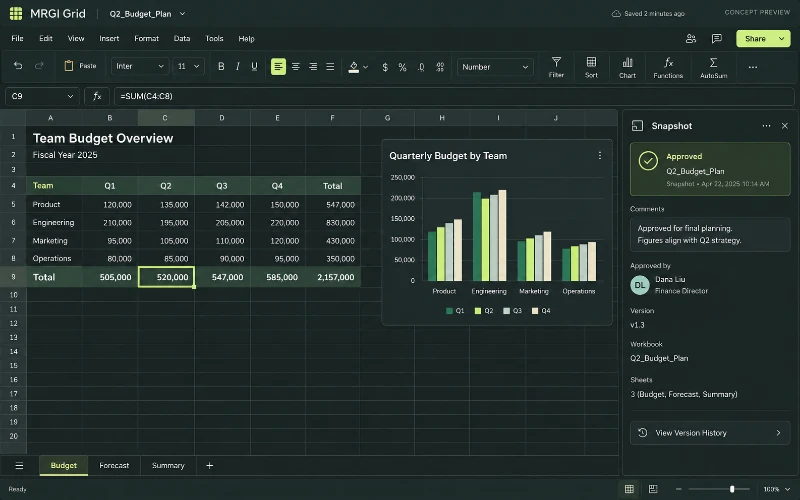 CONCEPT PREVIEW
Spreadsheets & calculations
Build spreadsheets with formulas, tables, and charts. Review calculations and share approved data snapshots with reports and presentations.
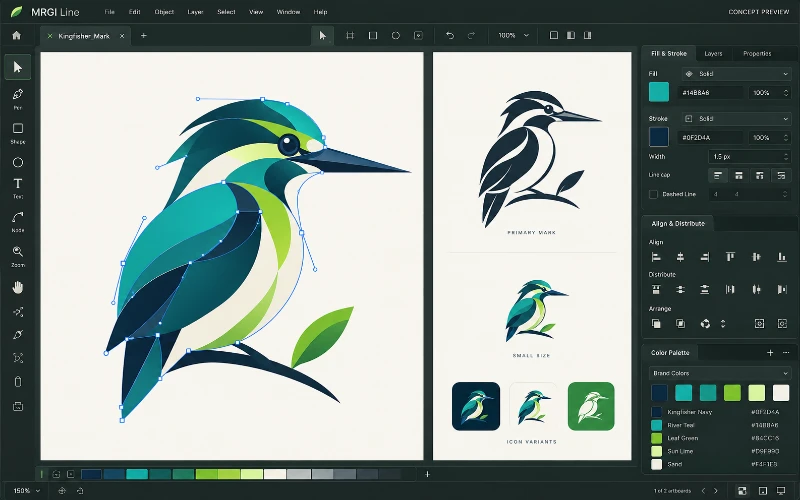 CONCEPT PREVIEW
Vector illustration
Create logos, icons, and illustrations with paths, shapes, and editable curves. Organize brand colors and prepare assets for print and screen.
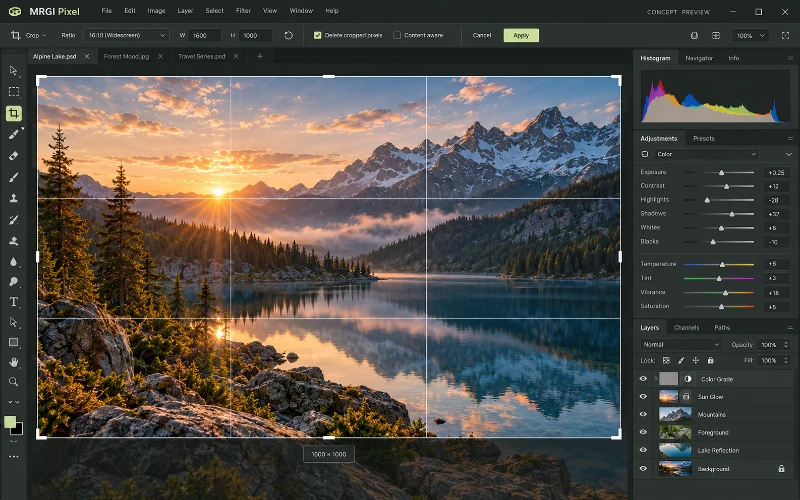 CONCEPT PREVIEW
Photo & image editing
Crop and retouch photos, combine layers and masks, and adjust color and lighting. Prepare consistent image variations for campaigns and publishing.
BUILT ON OPEN-SOURCE FOUNDATIONS
Page layout, text frames, data merge, preflight, and PDF/IDML workflows exist in DesignCraft. Approved-input publishing governance is the proposed addition. Read the source credits ↗
MRGI LAYOUT / COMING SOON
Explore the suite today. Availability and pricing will follow.