
Handoff based on approved states
Identify the component variants and interactions that engineering should implement, with a traceable design version.
MRGI INTERFACE / UI DESIGN & PROTOTYPING
COMING SOONDesign web and mobile interfaces with frames, components, and prototypes. Document interaction states and prepare a reviewed engineering handoff.
For product designers and engineering teams closing the gap between a mockup and production.
Try the interactive demo Browse all 15 appsMEET THE WORKSPACE
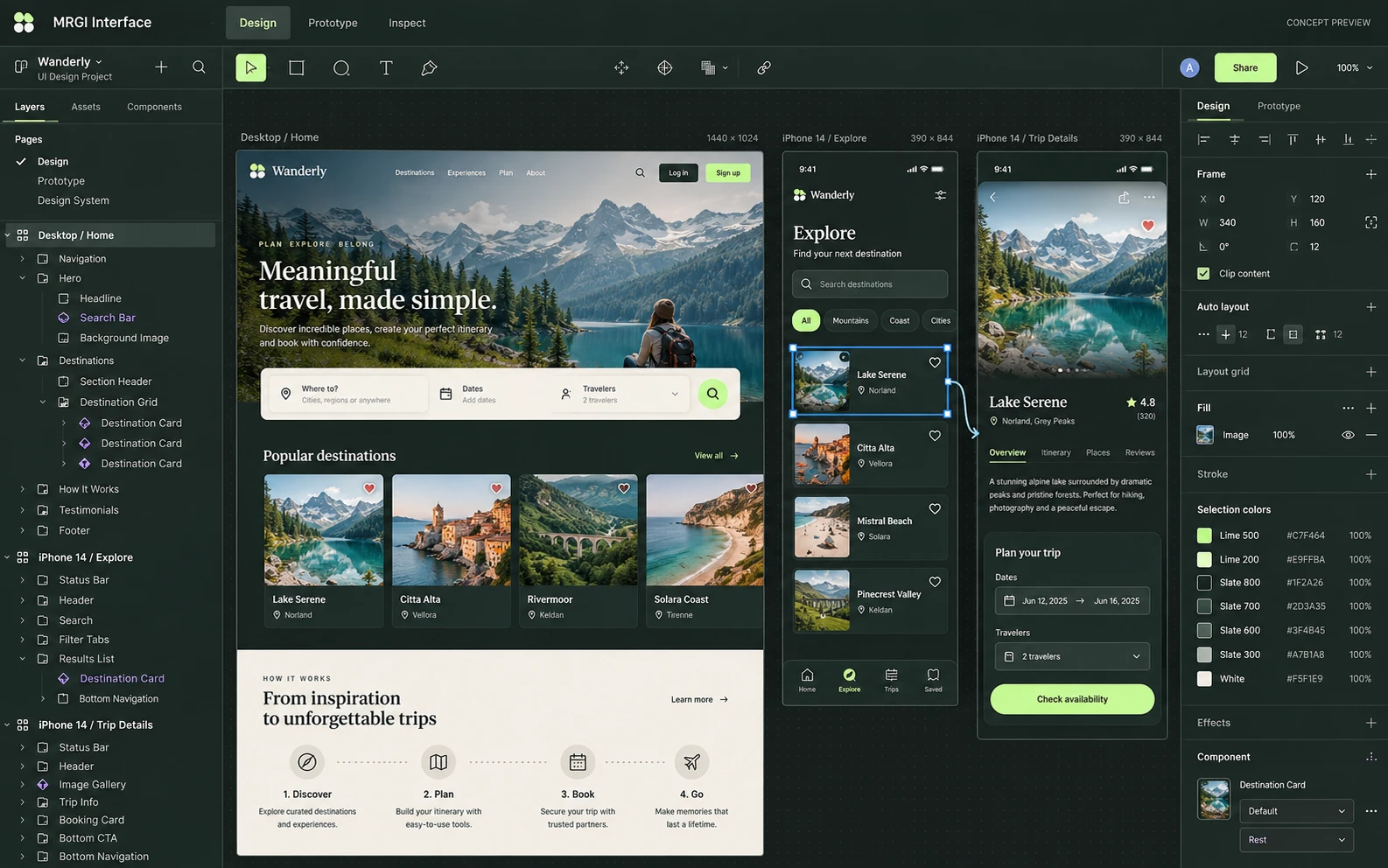
A UI design canvas containing desktop and mobile screens, with reusable components, layers, layout properties, and prototype connections.
Proposed design with synthetic content. This is not a released application; features and appearance may change.
EXPLORE THE IDEA / HANDS ON
Choose a sample foreground/background pair and calculate its text contrast ratio in your browser.
Choose a sample foreground/background pair and calculate its text contrast ratio in your browser.
Synthetic inputs. Local computation. No uploads.This checks the selected opaque sRGB color pair only. It is not a complete accessibility audit or generated component test suite.
Read the full Interface workflow guideA shared workspace for the next chapter.
PROPOSED AUTOMATION RECIPE
Use Line design tokens, pass approved specifications to Evolve, and explain the release decisions in Present.
Approve the component states and interactions.
Prepare the implementation in an authorized project.
Review accessibility and visual regression evidence.
Original interface mockup with synthetic content. This is a design concept, not a screenshot of a released application. Switch views to explore the proposed workflow.
01 / THE WORK BEHIND THE WORK
A generated component is only the beginning of a useful handoff. Interface is being designed to connect approved design states to an implementation package, with the intended behavior and test results kept alongside it.
The source foundation is imported. Generation adapters, accessibility checks, visual regressions, and the pictured interface are planned.
02 / THE PLANNED TOOLKIT
The intended Interface experience.
Feature availability will be confirmed before release.
A CLOSER LOOK / FEATURE DESIGN
Explore the behavior behind the feature names: what the product would do, and what the reviewer would still need to decide.
Make a component’s intended states and acceptance evidence clear before it enters an application.
03 / THE MRGI DIRECTION
Three product-specific priorities shaping the proposed MRGI experience.
Identify the component variants and interactions that engineering should implement, with a traceable design version.
Plan documented checks for contrast, semantics, and interaction behavior. Findings support review; they do not replace a complete accessibility audit.
Compare rendered components against agreed visual baselines and keep the results with the handoff, so readiness is supported by tests.
These are development goals, not claims of shipped features or market exclusivity. AI, local operation, and automation are shared foundations—not the entire product distinction.
04 / BETTER CONNECTED
Use Line design tokens, pass approved specifications to Evolve, and explain the release decisions in Present.
Approve the component states and interactions.
Prepare the implementation in an authorized project.
Review accessibility and visual regression evidence.
Proposed assistance can generate component drafts or propose accessibility fixes. Generated code must pass review and tests before use.
Cross-app access is planned around selected resources and explicit consent. Ordinary local editing should not require uploading your files.
 CONCEPT PREVIEW
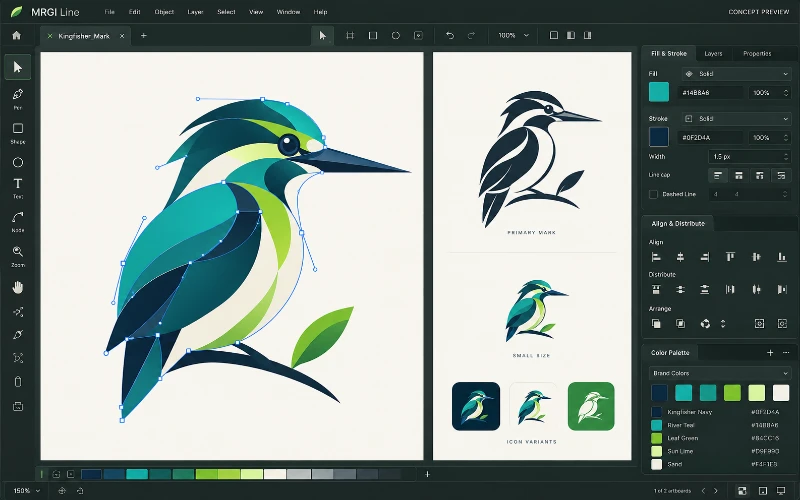
Vector illustration
Create logos, icons, and illustrations with paths, shapes, and editable curves. Organize brand colors and prepare assets for print and screen.
 CONCEPT PREVIEW
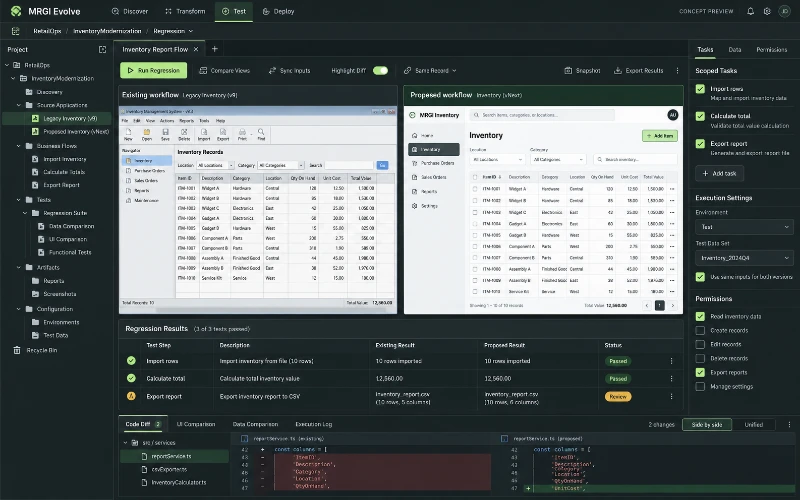
Application modernization
Assess applications you are authorized to modify, compare existing and proposed behavior, and review modernization changes against regression evidence.
 CONCEPT PREVIEW
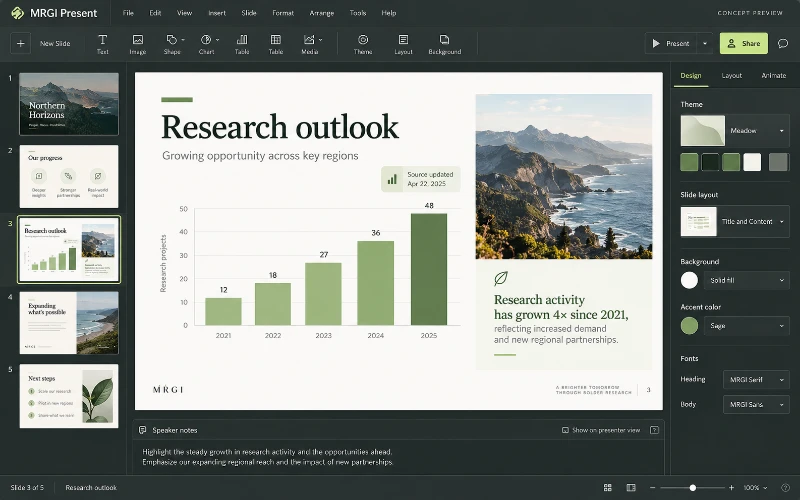
Slide presentations
Design presentations with slide layouts, text, images, charts, and speaker notes. Refresh approved source data while preserving your chosen edits.
BUILT ON OPEN-SOURCE FOUNDATIONS
Frames, variants, variables, prototypes, Dev Mode, code, and collaboration modules exist in FigCraft. The MRGI proposal centers on traceable, tested handoff workflows. Read the source credits ↗
MRGI INTERFACE / COMING SOON
Explore the suite today. Availability and pricing will follow.