
An update with a visible diff
Show the proposed change from a linked report or dataset before it reaches the slide. Keep the presenter in control of the final message.
MRGI PRESENT / SLIDE PRESENTATIONS
COMING SOONDesign presentations with slide layouts, text, images, charts, and speaker notes. Refresh approved source data while preserving your chosen edits.
For leaders, analysts, and client teams who repeatedly present evolving work.
Try the interactive demo Browse all 15 appsMEET THE WORKSPACE
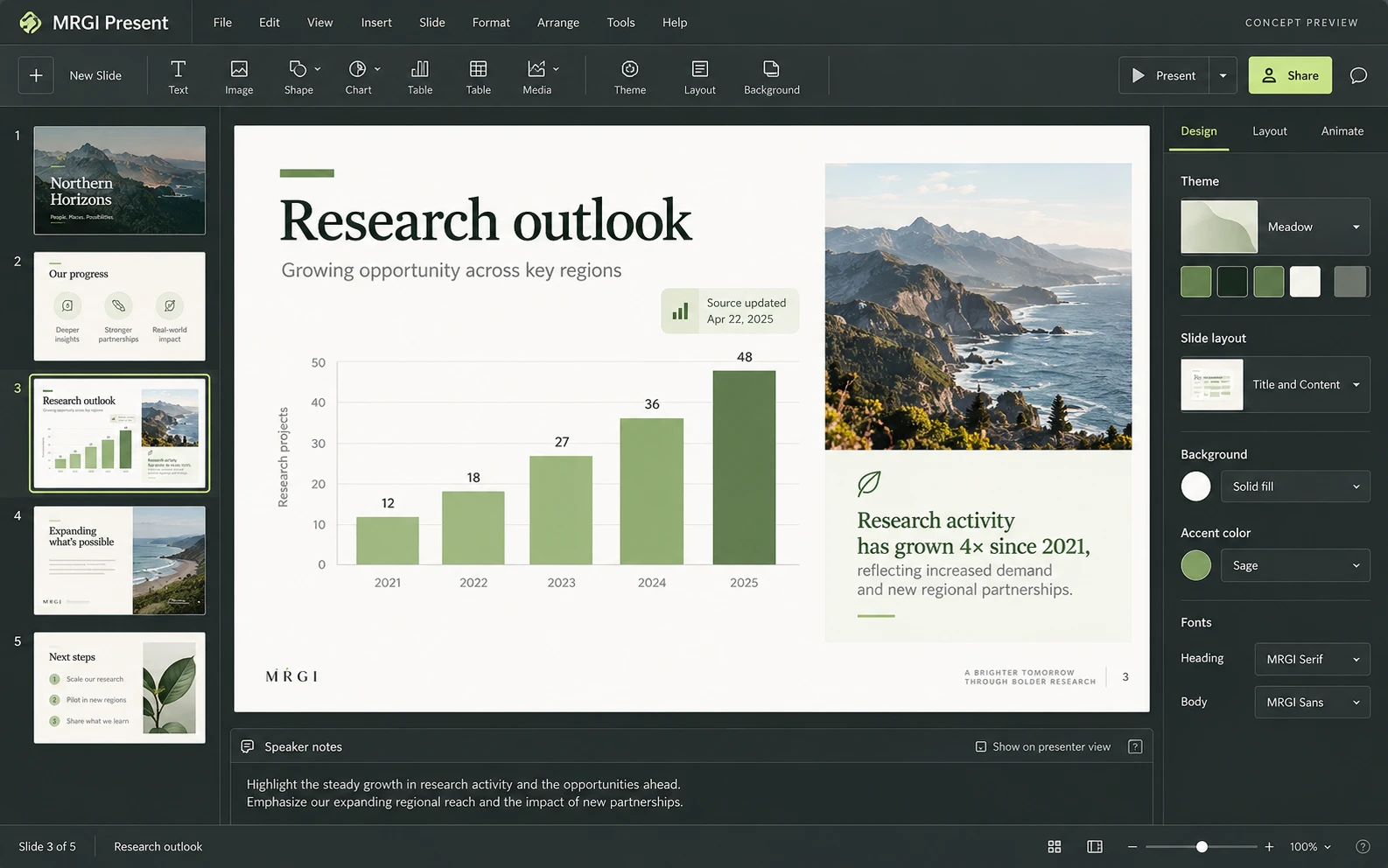
A slide editor with a thumbnail navigator, presentation canvas, chart content, speaker notes, and theme and layout controls.
Proposed design with synthetic content. This is not a released application; features and appearance may change.
EXPLORE THE IDEA / HANDS ON
Select a new sample dataset and choose whether a manual slide headline should be retained during the refresh.
Select a new sample dataset and choose whether a manual slide headline should be retained during the refresh.
Synthetic inputs. Local computation. No uploads.This browser example updates a sample chart and text. It does not import or export PowerPoint files.
Read the full Present workflow guidePROPOSED AUTOMATION RECIPE
Start from Author sections and Grid figures, then send the reviewed presentation to an Evidence distribution packet.
Choose approved report sections and chart data.
Shape the narrative and mark intentional overrides.
Review source changes before updating the deck.
Original interface mockup with synthetic content. This is a design concept, not a screenshot of a released application. Switch views to explore the proposed workflow.
01 / THE WORK BEHIND THE WORK
Updating a deck should not mean rebuilding the charts or losing carefully tuned wording. Present is being designed to show what changed in approved source material and let you decide how each slide responds.
The source foundation is imported. Present is the next intended integration target after the initial evidence workflow; the pictured interface is a concept.
02 / THE PLANNED TOOLKIT
The intended Present experience.
Feature availability will be confirmed before release.
A CLOSER LOOK / FEATURE DESIGN
Explore the behavior behind the feature names: what the product would do, and what the reviewer would still need to decide.
Refresh approved figures without erasing the deliberate edits that make a deck useful to its audience.
03 / THE MRGI DIRECTION
Three product-specific priorities shaping the proposed MRGI experience.
Show the proposed change from a linked report or dataset before it reaches the slide. Keep the presenter in control of the final message.
Treat custom text and chart adjustments as explicit overrides. A source refresh should flag a conflict instead of silently erasing your work.
Keep the approved report section and data snapshot behind a slide available for review, alongside the finished visual presentation.
These are development goals, not claims of shipped features or market exclusivity. AI, local operation, and automation are shared foundations—not the entire product distinction.
04 / BETTER CONNECTED
Start from Author sections and Grid figures, then send the reviewed presentation to an Evidence distribution packet.
Choose approved report sections and chart data.
Shape the narrative and mark intentional overrides.
Review source changes before updating the deck.
Proposed assistance can suggest an outline or speaker notes from selected report sections. Your approved narrative and manual edits remain the review baseline.
Cross-app access is planned around selected resources and explicit consent. Ordinary local editing should not require uploading your files.
 CONCEPT PREVIEW
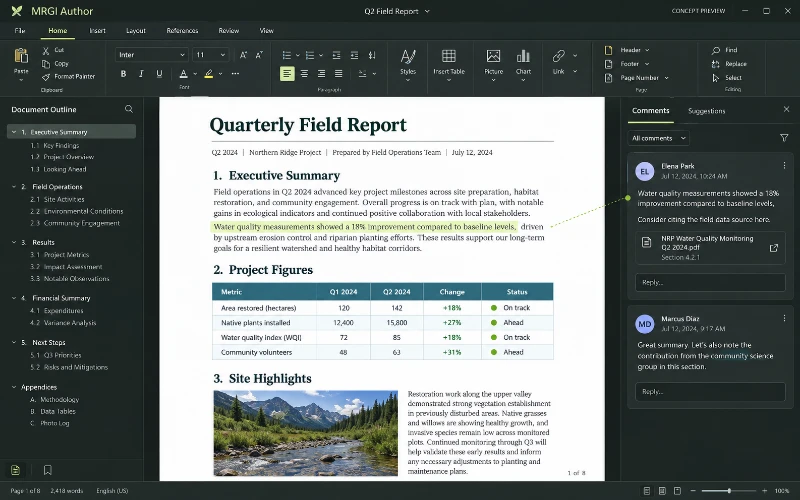
Word processing
Write and format documents with headings, tables, images, comments, and revisions. Link report content to reviewed data and source documents.
 CONCEPT PREVIEW
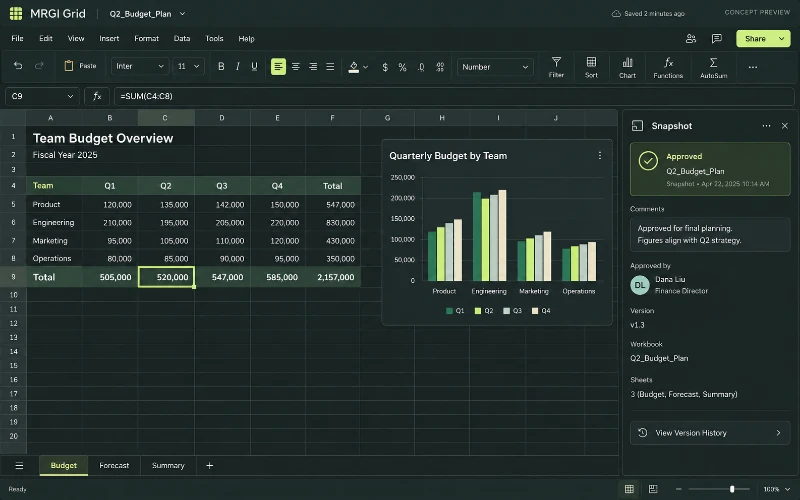
Spreadsheets & calculations
Build spreadsheets with formulas, tables, and charts. Review calculations and share approved data snapshots with reports and presentations.
 CONCEPT PREVIEW
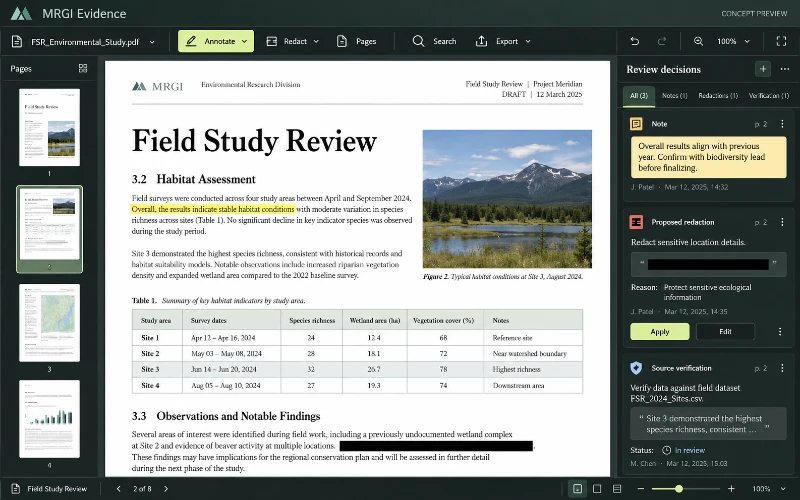
PDF editing & review
Read, annotate, organize, and redact PDFs. Assemble reviewed documents and their sources into a verifiable evidence packet.
BUILT ON OPEN-SOURCE FOUNDATIONS
Slides, charts, animation, PPTX/PDF, and a command registry exist in DeckCraft. Controlled source synchronization is the proposed MRGI addition. Read the source credits ↗
MRGI PRESENT / COMING SOON
Explore the suite today. Availability and pricing will follow.